
Terminal Server
(Remote Workplace)
A secure terminal server for remote teams, designed to support a modern remote office on high-performance infrastructure. Access all business applications from anywhere, with data hosted in certified German data centres and 24/7 expert support for stable remote desktop environments.
What is a terminal server?
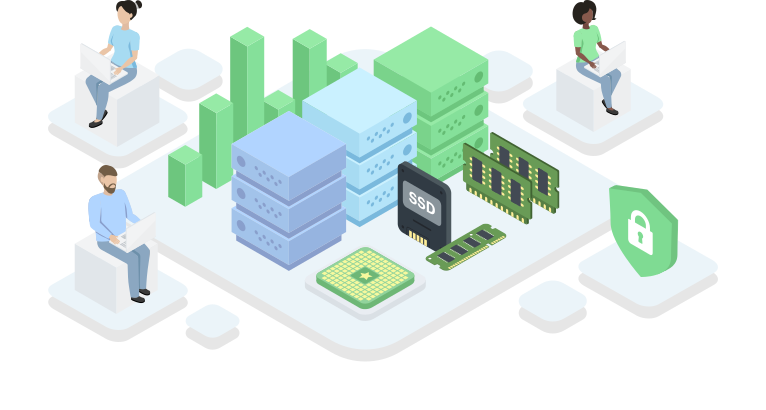
A terminal server is a high-performance computer that multiple employees can access simultaneously. Unlike Virtual Desktop Infrastructure (VDI), which gives each user a dedicated desktop, or Remote Desktop Services (RDS), which provides shared lightweight access, a terminal server enables scalable remote desktop hosting.
SIM-Networks can provide any of these solutions on request — just ask. Terminal Server Hosting or Windows terminal server hosting lets you install corporate software centrally, allowing your office to work seamlessly as if on individual PCs. Learn more about how terminal servers work in our blog article.
Overcoming Remote Work Challenges with Terminal Server
Remote Teams' Data Leaks Worrying You?
All data stays on a secure terminal server in a German data centre — nothing is stored on user devices. Centralised access and GDPR-ready infrastructure keep your information protected across every remote desktop session.
Hard to Control Remote Access?
Users securely connect to a single, centrally managed environment. You fully control access, permissions, and updates from one centralized place — without juggling multiple endpoints or unmanaged remote desktops.
Rising Hardware and IT Costs?
Employees work via the terminal server, not local machines. Even basic devices perform well, cutting hardware spend and simplifying software management while supporting an efficient remote office model.
Need Easy Scaling or Smooth Migration?
Our terminal server solution scales quickly and runs on reliable infrastructure in Germany. We support setup and migration, so your business keeps moving without downtime — whether you expand users or workloads.
How We Solved These Challenges for Clients
Remote Work Platforms We Rely On
Cloud Server
- Instant activation
- Flexible resources
- TIER III+ data centers in Germany
- 2 availability zones
- DDoS protection
- Support 24/7
Dedicated Server
- Exclusive resources
- Custom hardware
- TIER III+ data centers in Germany
- Free installation
- Advanced networking
- 24/7 support
VPS/VDS
- Intel® Xeon® CPU
- SSD storage
- TIER III+ data centers in Germany
- Backup storage included
- Unlimited traffic
- 24/7 Support
Not sure which platform fits your needs?
We can build your infrastructure on virtually any hardware. Need a rare GPU or custom RAM setup? We’ll make it work — no limits, no compromises.
Hyperscalers? Budget Providers? No. Fully Custom, Built for You.

Flexible and Predictable Costs
Plan your IT budget with confidence. We offer transparent monthly pricing and scalable resources that grow with your business. Payment terms remain flexible and adaptable, ensuring commercial conditions that align with your operational model — without rigid long-term constraints.

Around-the-Clock Expert Support
Real engineers, real expertise — available around the clock. Our 24/7 support team responds quickly, resolves issues efficiently, and assists with infrastructure optimisation whenever you need it. No bots. No scripts. Just experienced professionals any time you need their expertise.

Freedom from Vendor Lock-In
Stay independent. Our solutions are designed without restrictive ecosystem dependencies, giving you full freedom to seamlessly migrate, dynamically scale, or completely redesign your IT infrastructure whenever your business priorities or operational needs change. You stay in control — not the other way around.

Custom Infrastructure on Demand
We can deploy your environment on virtually any hardware configuration — including rare GPUs or custom RAM setups. Your technical requirements define the architecture. Whether you need a dedicated terminal server or want to rent RDP server resources, a client’s request isn’t a limitation — it’s the starting point.
What more can SIM-Networks‘ servers do for your business?
What are the differences between remote work solutions?
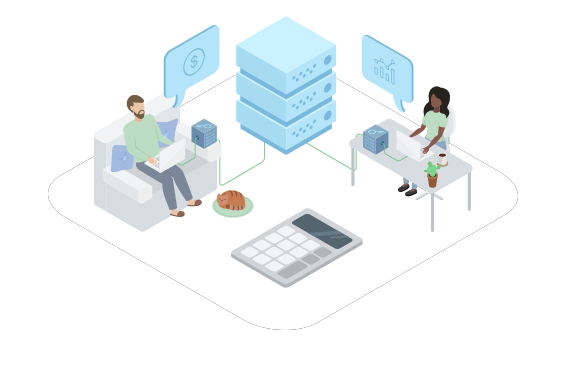
When choosing remote work solutions, it is important to understand their features and differences to select the best fit for your company.
RDP server rental allows multiple users to connect to a single server with a shared operating system. This option is ideal for companies that need to organize a virtual or remote office with centralized access to data and applications.
For organizations that require a higher level of personalization and isolation, Virtual Desktop Infrastructure (VDI) offers a different model. With VDI, each employee receives a fully dedicated virtual desktop hosted in a secure data centre. Unlike shared environments, Virtual Desktop Infrastructure provides isolated resources, personalized settings, and enhanced security control for every user. With professional Virtual Desktop services, businesses can centrally manage desktops while delivering a true “own PC” experience — securely accessible from anywhere.

If your goal is individual access without a shared system, a remote desktop server may be the right solution. In this case, only one user connects to the platform, making it suitable for those who need a personal workspace without sharing resources.
In situations where full desktop access is unnecessary, a Remote Application can be sufficient. This model allows users to run specific software hosted on a server directly from their local device, as if it were installed locally.
Whether you need terminal server rental, terminal server licensing, VDI, or a complete office in the cloud, SIM-Networks will provide a suitable platform along with configuration and deployment. Our experts help you build a reliable and secure remote work infrastructure on cloud, dedicated, or virtual servers. Learn more about how to get started with RDP in our Knowledge Base.
Useful software for your server


FAQ
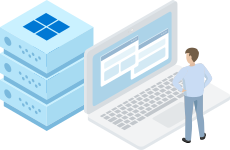
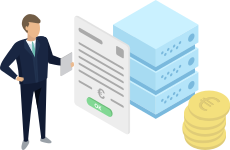
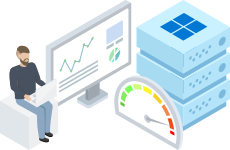
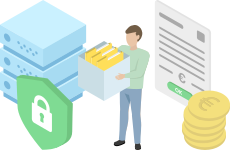

How we deliver your Terminal Server
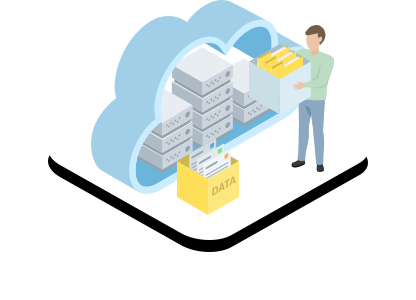
Cloud server
When businesses need flexibility without long-term commitments, we deploy a terminal server in SIM-Cloud. This approach represents professional cloud terminal server hosting, allowing teams to access their remote workplace via RDP from any device, scale resources on demand and keep applications running reliably — all while reducing capital expenditure and maintaining high availability.
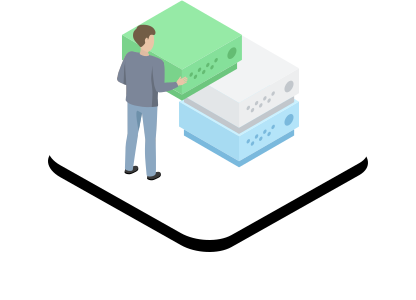
Dedicated server
For companies that require maximum performance, security and full control, we deploy a hosted terminal server on dedicated hardware. All server resources are reserved exclusively for the client’s workloads, making this platform ideal for large teams, demanding applications and strict data protection requirements.
.svg)
VPS / VDS
For small teams or early-stage businesses, we implement terminal server environments on virtual platforms. This approach combines affordability with flexibility, allowing clients to configure resources, manage licences easily and organise secure remote work with minimal infrastructure costs.
Contact us. We are always ready to help
.svg)