Mac Servers for Rent
Use the power of Apple hardware without buying Apple computers. Renting a macOS server gives you the flexibility to work with the OS on any machine, anywhere in the world, at any time.
Choose a macOS Server Configuration
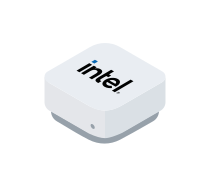
Mac Mini Start
Dedicated Mac Server
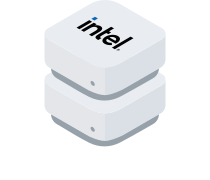
Mac Mini Basic SSD
Dedicated Mac Server
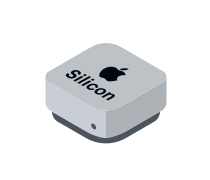
Mac Mini M2
Dedicated Mac Server
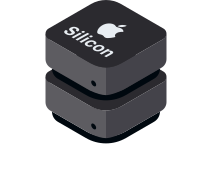
Mac Mini M2 Pro
Dedicated Mac Server
How Mac Server Rental Works?
You place an order
Choose your Mac server, and we process the request as quickly as possible.
We configure your Mac
We install the physical Mac server in the data center rack at no extra cost.
You receive your server
We provide access to the remote machine via your preferred VNC client.
You start working
Install your software and use the machine like a physical Mac — a classic example of how Mac cloud rental works.
Advantages of macOS Dedicated Servers
.svg)
Migration assistance
Our specialists can help you safely move websites or services to our high-performance infrastructure.
.svg)
Free installation
We set up your macOS server without additional fees.

Budget efficiency
Use Apple software without buying expensive hardware; a macOS dedicated server offers high quality at an optimal cost.
.svg)
Reliable support
Our Customer Care team works 24/7 and responds within an hour.
Looking for a particular solution?
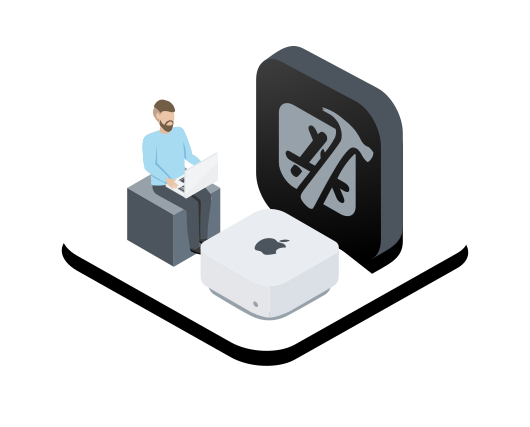
macOS Rental for Developers
Order a remote Mac to work with Xcode, test applications or use exclusive Apple software without investing in hardware. A cloud-based Mac rental is the fastest and most convenient way to get macOS access for urgent tasks or long-term projects — simply order a Mac and connect via VNC.
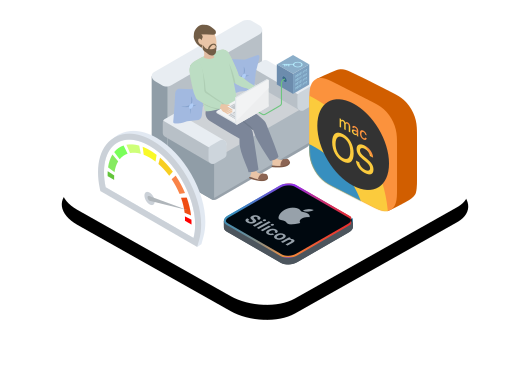
Apple Workspaces: Remote Mac for Work
Order a dedicated Mac server and use Apple hardware just like your own device.
Choose a setup for a single user or create a workspace for an entire team.
Work with graphics, video, development projects and corporate applications on Mac Mini, Mac Pro or modern Apple Silicon platforms.
This is a flexible environment for “Mac in the cloud” scenarios or for teams that need to rent a macOS server for daily operations at a predictable Mac server price.
FAQ
Activation takes 1–4 business days — the standard time required to prepare physical hardware in the data center. This applies to all plans, including cloud-based Mac setups and macOS dedicated server environments.
Each customer receives access to a physical machine — no virtualization. This ensures stable performance, predictable system behavior and full data security.
No, trial periods are not available. The minimum rental term is 1 month, which applies to all Mac hosting and macOS rental configurations.
Access is available via any VNC client or SSH. AnyDesk is supported but not pre-installed. These methods work consistently across all dedicated Mac Mini and Mac dedicated server configurations.
- Mac Mini Start & Basic — up to macOS Monterey (12)
- Mac Mini M2 / M2 Pro — latest macOS versions
- Choose based on the Xcode version or development needs.
- Direct USB connection is not possible since servers are located in a data center.
- USB-over-IP may work but requires user-side configuration.
- Suitable for CI/CD workflows and remote development setups.
Yes — we can provide custom setups (more RAM, more SSD, Apple Silicon, advanced networking). Available for all macOS dedicated server plans.
Contact us. We are always ready to help
.svg)
Why rent dedicated MacOS servers?
Apple offers a variety of tools that will be of benefit to any developer or business owner; however, their computers can get quite expensive and purchasing them may not be the most cost-effective solution for you. MacOS servers offer all the advantages of Apple applications while ridding you of the need to buy their machines.
The macOS server works perfectly as a testing environment for any software meant for use with macOS or iOS. It is easily understandable that buying an Apple computer (or even multiple) solely for the purposes of testing may not be the right choice for your IT budget. Mac dedicated server rental handily solves this issue.
The same can be said of XCode development: if your company needs to provide its employees with access to the environment, the most cost-efficient option would be to rent a Mac serv…
Show more
Why rent mac server from SIM-Networks?
Project-based approach

Establish the project
We talk to the client & consider their business goals, requests and preferences
Design the solution
We draft the cloud project with the client’s expectations in mind & present it
Implement the project
Once the client approves the design, our engineers build the solution from scratch
Support the business
We provide personalized support 24/7 & on-demand cloud management services
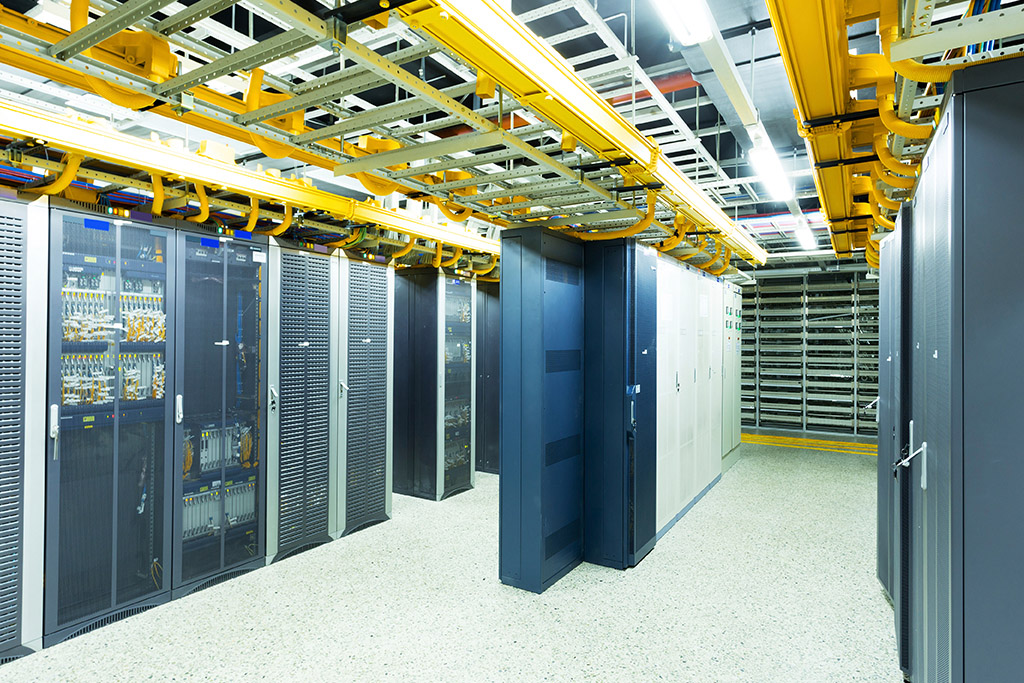
Data centers in Europe


Premium-level support

We are available 24/7 and ready to assist you in your preferred language.
Reach out directly to our human experts — this is an AI-free, no-chatbot zone. Whether you need to resolve a specific issue or request a consultation, we’ll get back to you within 1 hour, guaranteed by our SLA. You can contact us via phone, email, ticket system, or live chat - whichever suits you best.
For technical details of our cloud solutions, explore our extensive service documentation, or quickly find answers to specific tasks in our Knowledge Base.
Your Certified Partner